Organize Your Practice with
A Clear Case Workspace
Manage client details, documents, notes, and communication from one workspace. Start with the current tools and help shape future automation.
Why Choose immipedia
Less scattered information
Keep the working client record and checklist together.
Client portal
Invite clients to provide information, upload documents, and message your practice.
Start with a small pilot
Starter is free for one owner with up to 10 clients.
Review support
Use OCR and AI summaries as aids to your professional review; they do not determine eligibility.
See the current client workflow
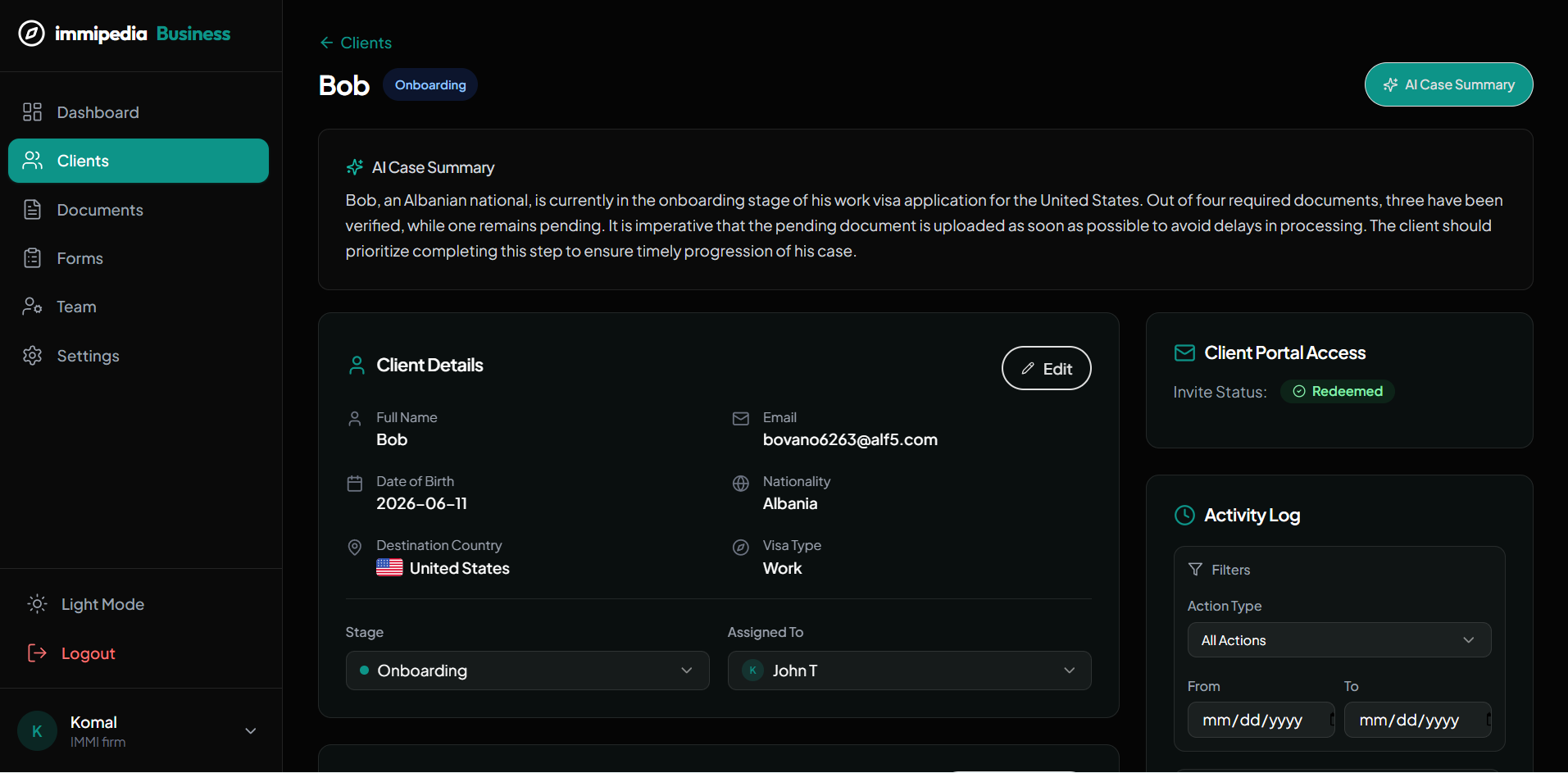
A workflow you can use today
Add a client
Create the client record and enter the destination and visa pathway.
Invite and collect
Send a portal invitation, request information, and generate or customize the document checklist.
Review the case
Review uploaded documents and extracted text, record internal notes, and request anything missing.
Update progress
Set the case stage and message the client. Filing and government status checks remain your responsibility.
Review your workload
Check current cases, missing uploads, documents awaiting review, and recent activity.
What you get with immipedia
See other use cases
A practical first week for your team.
Introduce the workspace in a manageable sequence and use one real workflow to confirm how your team wants to work.
Set up the workspace
Create your firm account, review your details and invite the colleagues who will work on the initial case.
Bring in a client
Create a client record and confirm the contact details, destination and case information with your team.
Agree the next step
Assign responsibility, prepare the document checklist and decide when the case will next be reviewed.
One clear next step.
Then the next.

Ready to Get Started?
Streamline your immigration practice with immipedia — start your free account today.