Track Each Case in
One Client Workspace
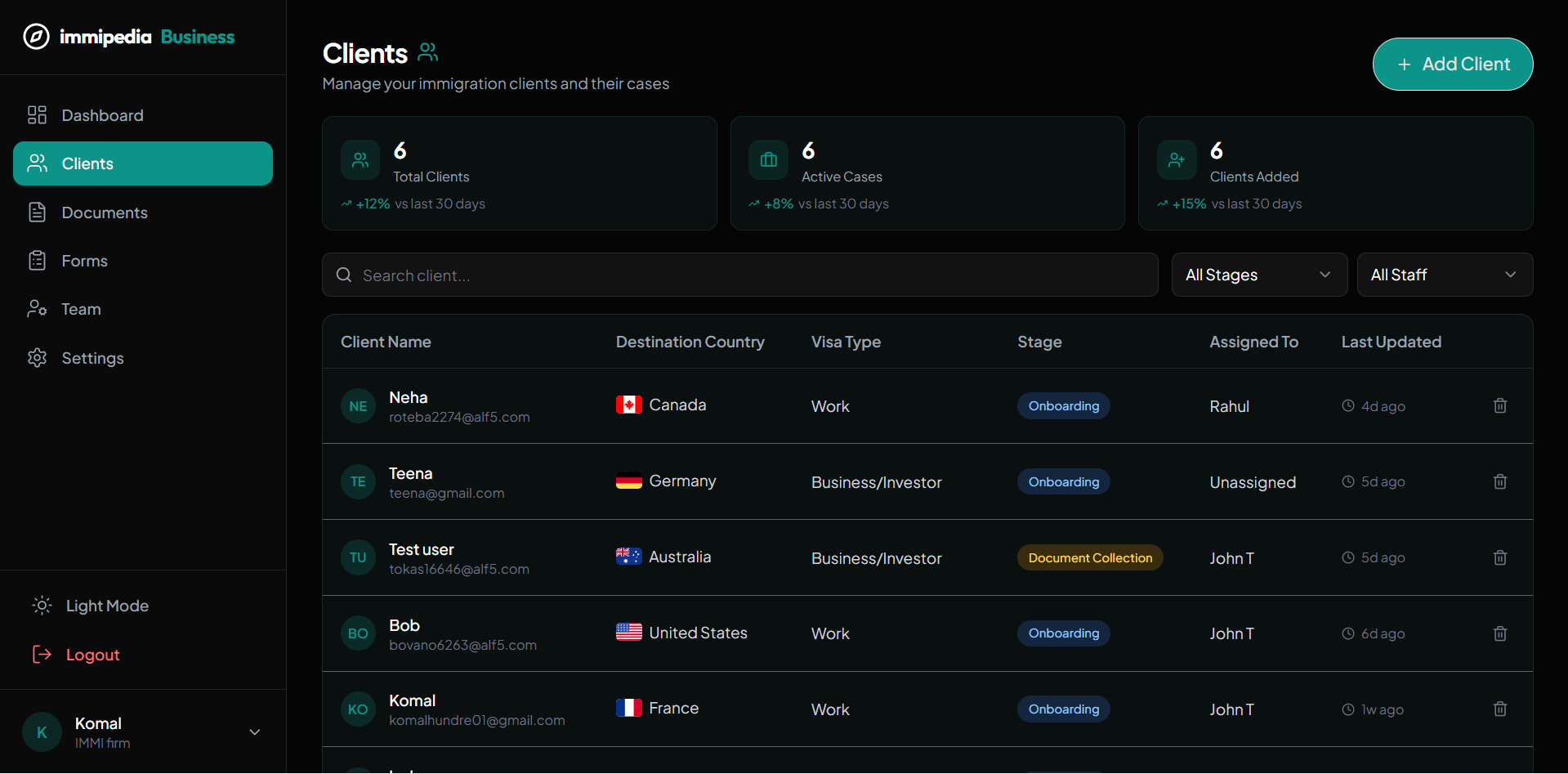
Update case stages, review client activity, and see current client and document counts. Automated deadline alerts and processing-time estimates are coming soon.
What's Included
Case stages
Your team updates the stage as work progresses. The platform does not automatically submit applications or synchronize government decisions.
Activity history
See recorded profile changes, notes, uploads, and document reviews for each client.
Current workload
View active cases, documents awaiting upload, and uploaded documents awaiting review.
Deadline alerts - coming soon
Automated filing alerts, milestone scheduling, and processing-time estimates are planned. Continue managing filing deadlines through your existing process.
Client records, checklist items, and case progress in one place
What this means for your practice
Find a case quickly
Search client names and filter by the same case stages used inside each profile.
Review the next task
Use the checklist and notes to decide what the case needs next.
Coordinate your team
Assign clients and share internal notes on plans that include team collaboration.
Keep clients informed
Clients can view case status and exchange messages through their portal.
Related Solutions
Agree what each case stage means.
Use the workspace to support professional judgment and make responsibilities visible to the people managing the case.
Assign responsibility
Make it clear who maintains the client record, reviews documents and follows up on missing information.
Review before progressing
Check uploaded evidence and record what needs attention before moving a case to the next stage.
Keep clients informed
Use the portal and messaging tools to share updates that your team has reviewed.
One clear next step.
Then the next.

Ready to Get Started?
Streamline your immigration practice with immipedia — start your free account today.